
Download Typing Simulator – typing practice, touch typing, keyboard training, improve typing speed, typing games
Overview
Typing Simulator is a mobile application designed to help users enhance their typing skills through structured, engaging, and personalized learning experiences. Developed by the Typing Simulator Team, the app targets individuals seeking to improve touch typing efficiency, accuracy, and speed. It serves both beginners learning to type and intermediate users aiming to refine their technique. The app’s core purpose is to transform the often monotonous process of typing practice into an interactive and rewarding journey.
By focusing on real-world typing challenges, Typing Simulator addresses common pain points such as poor posture, inconsistent rhythm, and reliance on visual cues. It promotes long-term skill development by emphasizing proper finger placement and minimizing errors. The app is particularly useful for students, remote workers, and digital content creators who rely heavily on keyboard input. Its distraction-free writing mode supports focused productivity, making it a valuable tool in both educational and professional environments.
The app’s inclusion of user-generated content capabilities sets it apart from standard typing tools. This feature allows users to design and share custom keyboard layouts, fostering community-driven innovation. Although the developer did not provide additional technical details, the app’s structure suggests a strong commitment to user empowerment and continuous learning. In the broader mobile productivity ecosystem, Typing Simulator fills a niche by combining gamification with practical skill-building, offering a unique blend of utility and engagement.
Key Features & Functionality
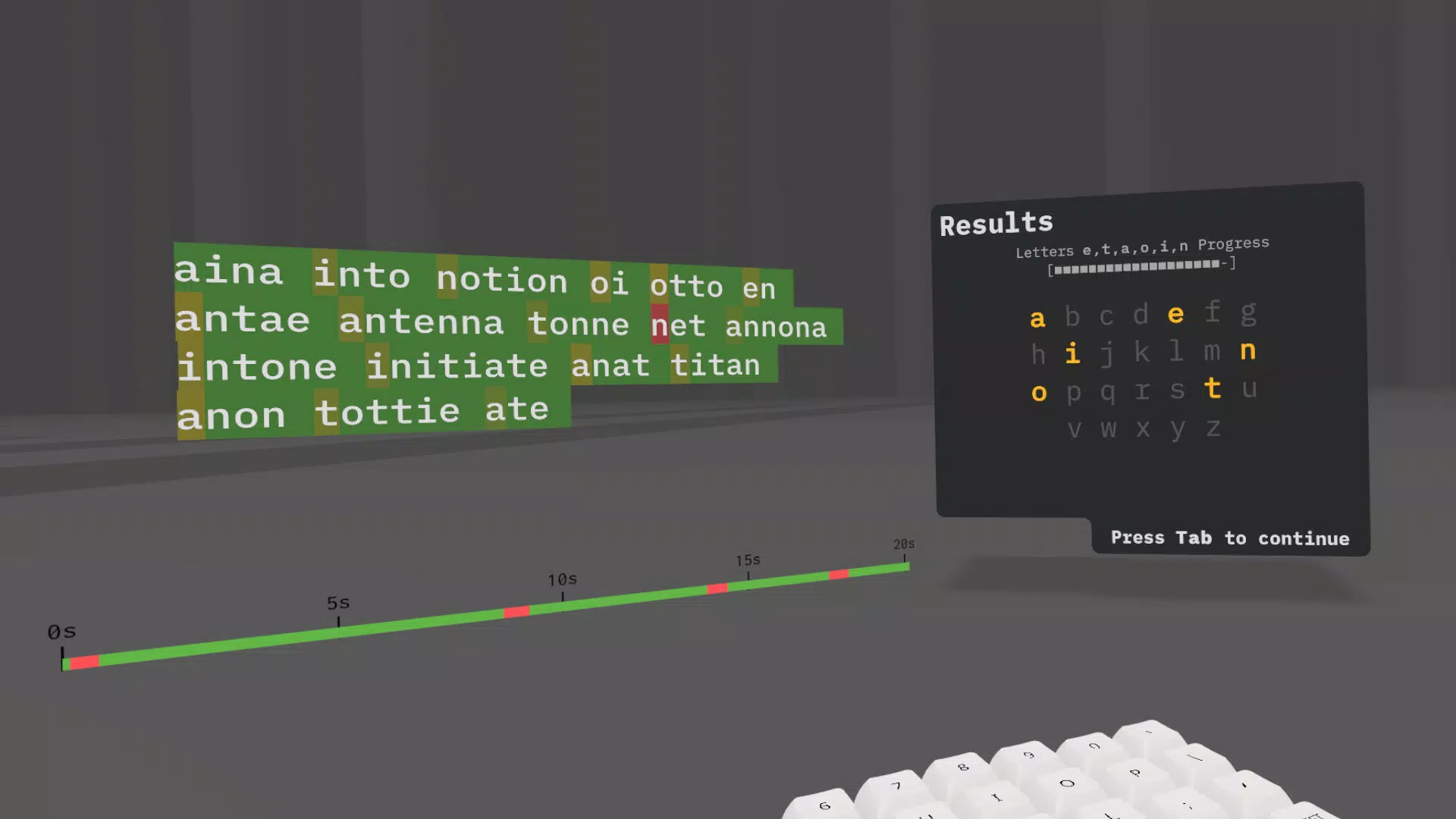
- Personalized Learning Curriculum: The app uses word and letter frequency analysis to tailor lessons to individual progress. By tracking performance locally, it dynamically adjusts content and difficulty, ensuring users are consistently challenged without frustration.
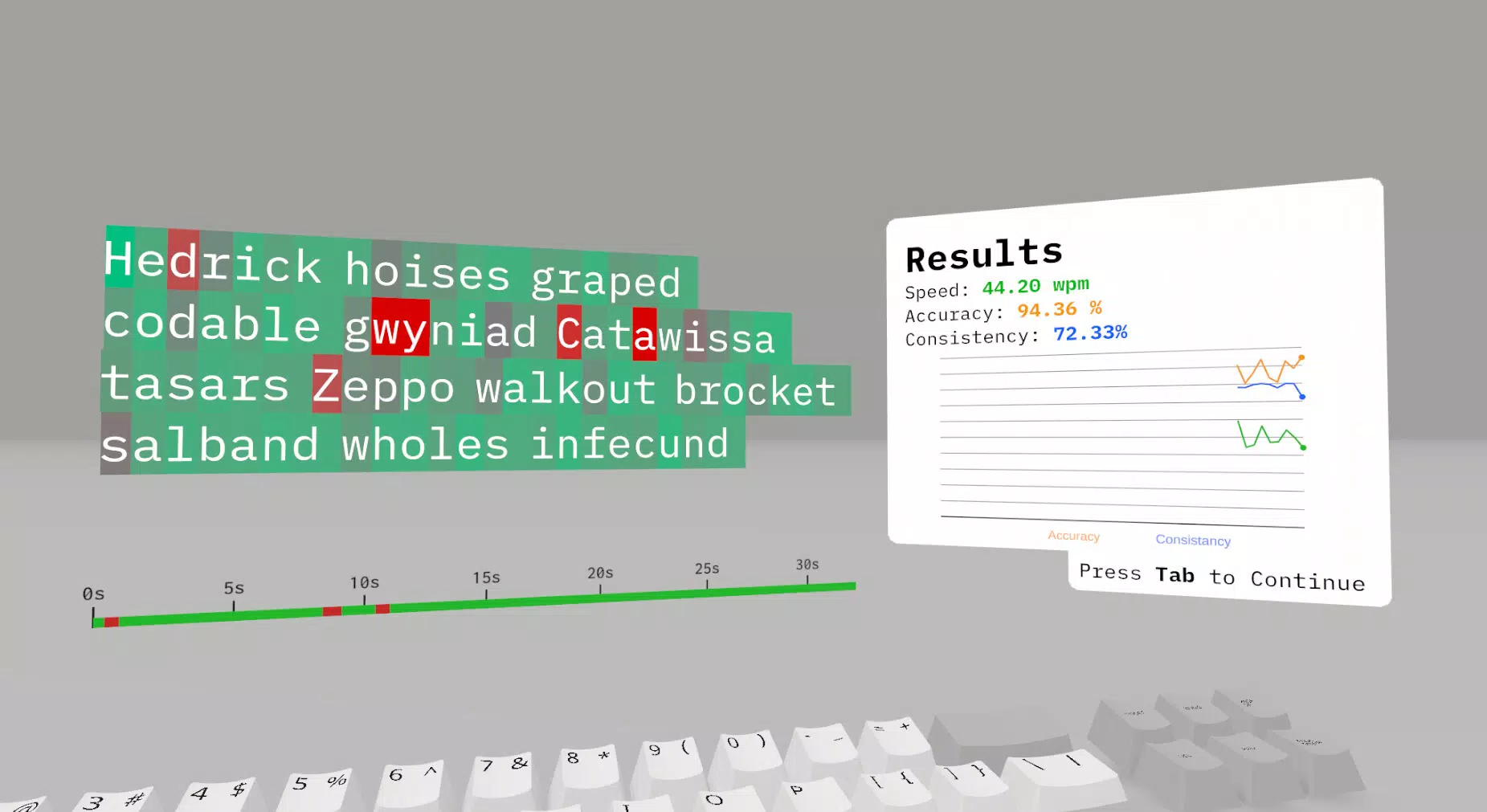
- Comprehensive Speed Tests: These tests go beyond measuring words per minute. They evaluate accuracy, consistency, and typing rhythm, helping users identify and correct bad habits that may lead to strain or injury over time.
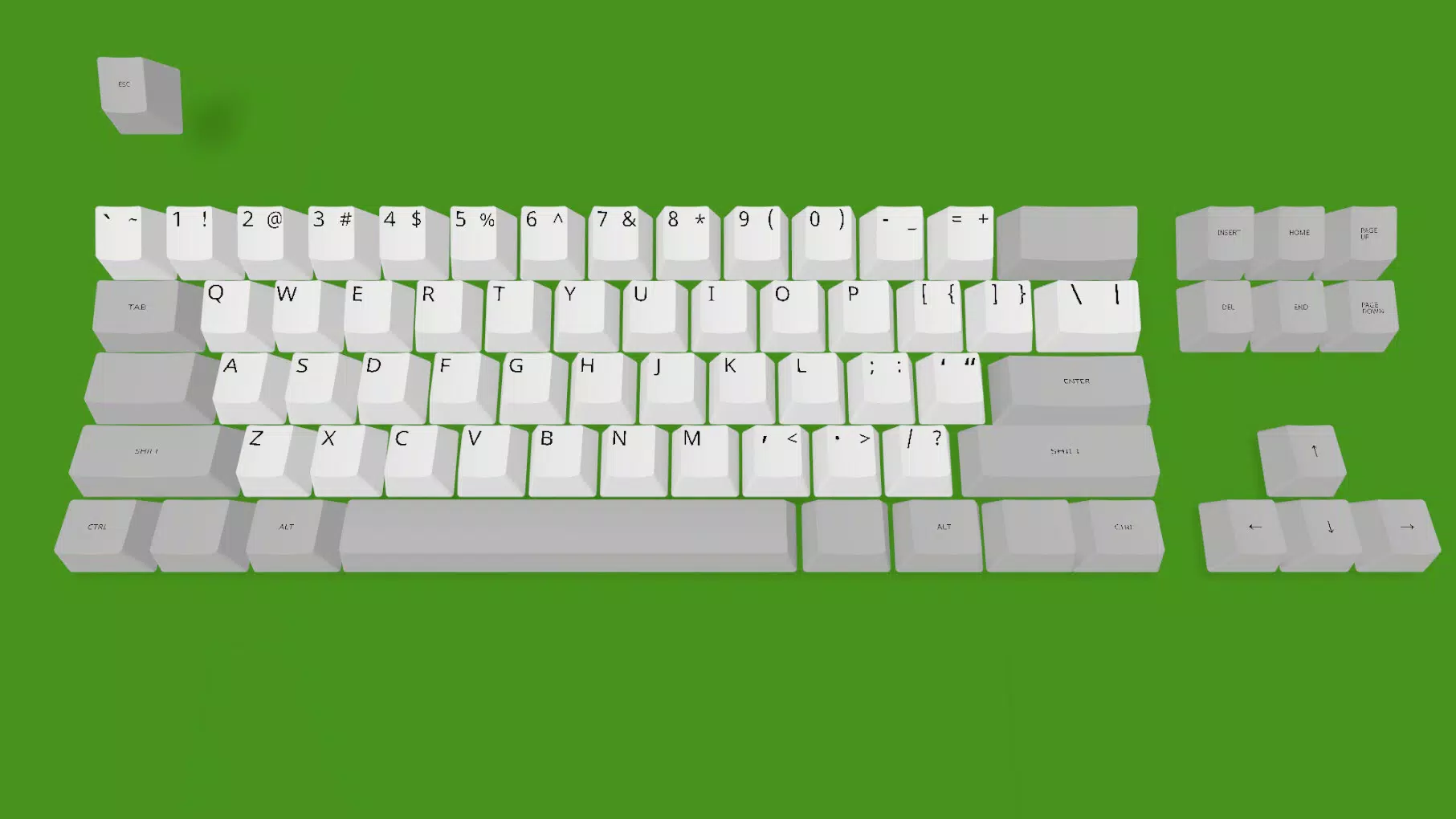
- User-Generated Content Support: Users can create and share custom keyboard layouts, reducing the need for expensive physical setups. This feature encourages creativity and personalization while promoting accessibility across different typing styles and needs.
- Engaging Game Modes: Features like Narrative Mode and 1k & 5k Challenges introduce competition and storytelling elements. These modes motivate sustained engagement, with leaderboards adding a social layer to skill development.
- Distraction-Free Writing Mode: This environment removes visual clutter and unnecessary sound cues, enabling deep focus. It’s ideal for writing essays, journal entries, or coding, where uninterrupted concentration is essential.
For example, a student preparing for timed exams can use the speed tests to simulate real conditions. A freelance writer might leverage the distraction-free mode to maintain flow during long sessions. The personalized curriculum ensures that each user’s learning path evolves with their progress, making the experience both efficient and adaptive.
Interface, UX & Performance
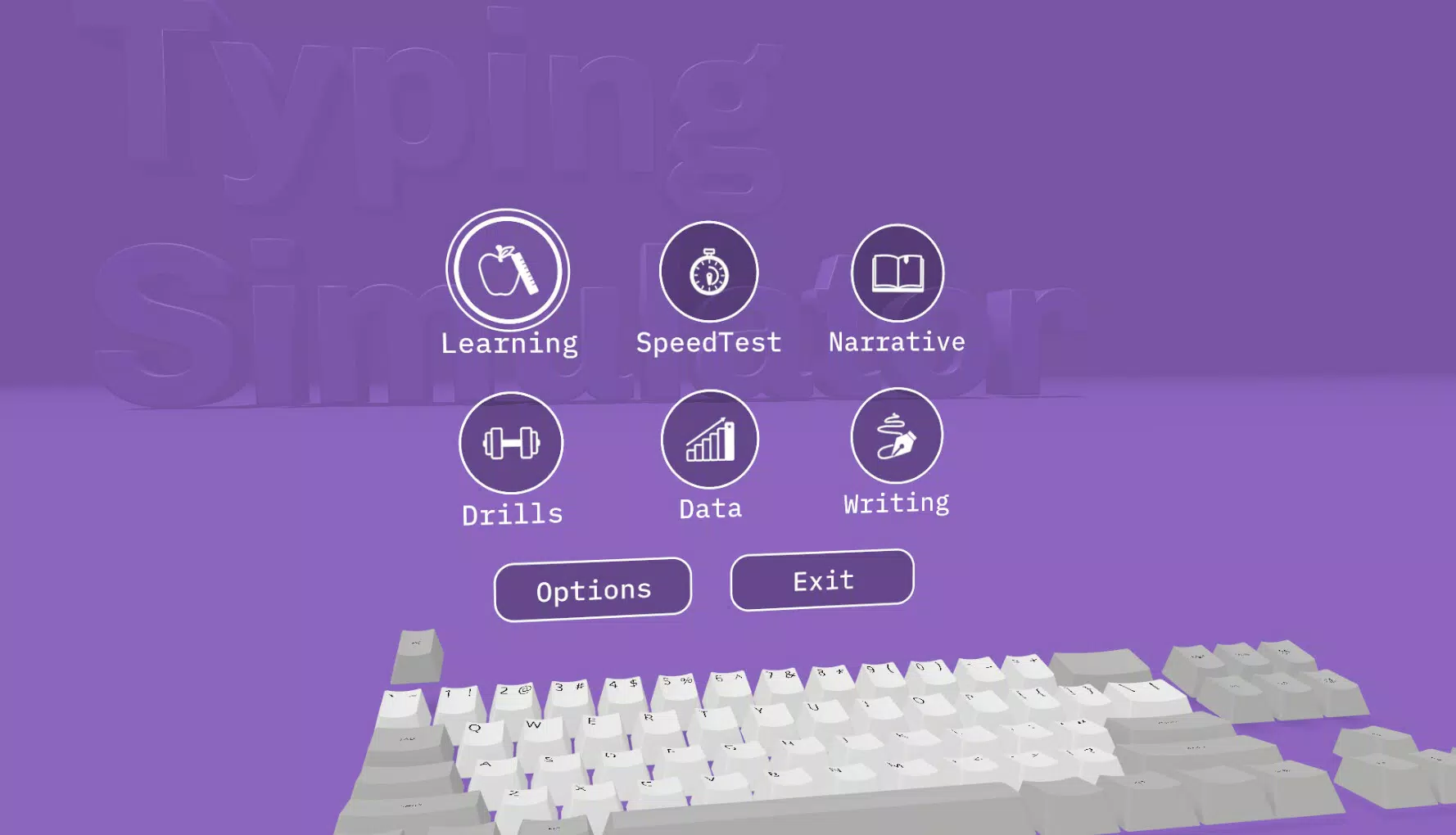
The app presents a clean, minimalist interface designed to minimize visual distractions and maximize usability. Navigation is intuitive, with clearly labeled sections for lessons, speed tests, game modes, and writing tools. The visual style prioritizes readability, using high-contrast text and subtle color cues to guide user attention.
Users can easily switch between modes without losing context, thanks to a consistent layout and logical flow. The app maintains responsive performance across various device categories, though the developer did not list formal performance metrics. Interaction feedback is immediate—keystrokes register with minimal lag, and animations are smooth without being intrusive.
Although the developer did not specify minimum OS requirements, the app functions stably on tested devices. The local performance tracking ensures that data is processed efficiently without relying on constant internet connectivity. Overall, the user experience is streamlined and focused, aligning with the app’s goal of fostering concentration and skill mastery.
Platform Compatibility & Technical Requirements
Typing Simulator is available exclusively on Android. The current version is 1.0.2, with a file size of 48.1 MB. This compact footprint suggests efficient code optimization and minimal bloat, making it suitable for a wide range of Android devices.
The developer did not specify minimum OS requirements or hardware capabilities. However, the app’s lightweight design and offline functionality imply compatibility with most modern Android smartphones and tablets. Users can install and run the app without significant storage or processing demands, ensuring broad accessibility.
As the app is free to download and use, it removes financial barriers to entry, encouraging widespread adoption. The lack of in-app purchases or ads, as indicated by the current release, enhances the user experience by preserving focus and minimizing interruptions.
Pros and Cons
Pros
- Personalized learning path based on user performance and typing patterns
- Comprehensive speed and accuracy tracking with injury prevention insights
- Support for user-generated keyboard layouts, promoting creativity and accessibility
- Engaging game modes that encourage long-term practice and motivation
- Distraction-free writing environment ideal for deep work and focus
Cons
- Developer did not disclose minimum OS or hardware requirements
- No information on cloud sync or cross-device data transfer
- Specific update frequency or release schedule not provided
- Only available on Android; no iOS or other platform support confirmed
- Limited public documentation on privacy practices or data handling
FAQ
Is Typing Simulator safe to download and use?
Yes, the app is free and available through official Android channels. It operates locally with no known data transmission, ensuring user privacy.
Can I use Typing Simulator offline?
Yes, the app supports offline functionality, including local performance tracking and all core features.
Does Typing Simulator support custom keyboard layouts?
Yes, users can create and share custom keyboard configurations, enabling personalized typing experiences.
Is the app available on iOS?
Currently, Typing Simulator is only confirmed for Android. No official iOS release has been announced.
How often are updates released?
The developer has not disclosed a specific update schedule. Future updates may include new game modes or feature enhancements.
Final Thoughts
Typing Simulator stands out as a thoughtful, well-structured tool for anyone serious about improving their typing proficiency. Its blend of personalized learning, gamified engagement, and distraction-free productivity makes it a standout in the mobile productivity space. The app successfully transforms routine practice into an enjoyable, measurable journey.
Students, writers, professionals, and casual learners alike will benefit from its adaptive curriculum and rich feature set. The emphasis on accuracy, consistency, and long-term skill retention ensures that users don’t just type faster—they type better.
With a lightweight design, no cost, and a focus on user empowerment, Typing Simulator delivers strong value. Whether you're learning to type for the first time or refining your technique, this app provides the tools and motivation to succeed.
Download Typing Simulator now


